 AI
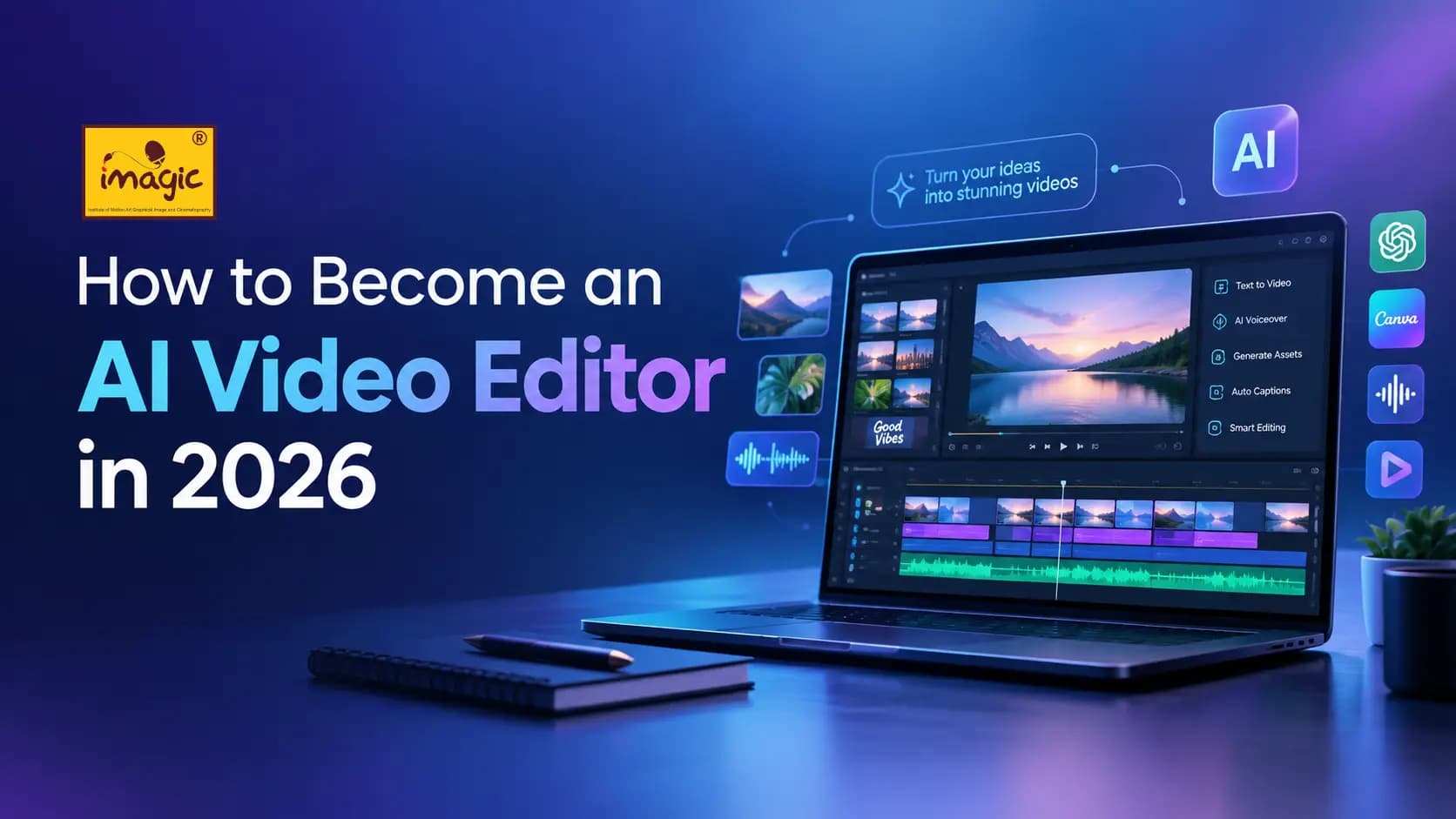
AIAI is changing video editing from a slow, manual process into a faster and more creative workflow. However, becoming an AI video editor is not simply about learning prompts or using automatic editing tools. You also need strong storytelling, editing judgment, visual design, sound knowledge, and the ability to guide AI effectively. In 2026, the most successful editors will combine human creativity with artificial intelligence to produce better videos in less time.
What Is an AI Video Editor?
An AI video editor is a professional who uses artificial intelligence throughout the video-production process. AI can assist with tasks such as:
- Generating video content from text-based ideas
- Creating scripts and storyboards
- Producing AI voiceovers
- Generating visual assets
- Developing social media video concepts
- Creating B-roll and supporting visuals
- Improving audio
- Creating captions and subtitles
- Repurposing long-form videos into short-form content
- Speeding up repetitive editing tasks
However, AI does not replace the need for an editor's creative judgement.
Why Should You Learn AI Video Editing in 2026?
AI video editing is becoming a valuable skill for anyone who wants to upgrade their existing skills and explore AI-powered content creation. As businesses, Brands, creators, and Influencers need more video than ever for social media, ads, and product marketing, and AI lets one person produce what once needed a small team. That makes it a useful add-on skill for:
- Digital marketers who want to produce ad creatives in-house
- Graphic designers moving into motion and video
- Social media managers who need a steady flow of reels
- Freelancers looking for a service clients actively ask for
- Students and career switchers who want a practical, creative skill
Step-by-Step: How to Become an AI Video Editor
Becoming an AI video editor doesn't mean learning every AI tool. Focus on understanding how different AI tools work together to turn an idea into finished video content.
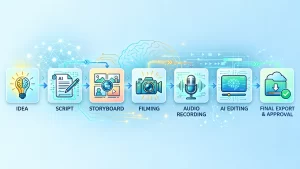
1. Understand the AI video workflow
Every project follows the same path:
Idea → Script → Storyboard → Visuals → Voiceover → Video → Edit → Final Export
Knowing this map tells you which tool to use at each stage and stops you from jumping into video generation before you have a script.
2. Learn AI-assisted scripting and story development
Use tools like ChatGPT to brainstorm ideas, write hooks, draft scripts, and break them into scene-by-scene storyboards. The trick is to give context, not just a topic. Compare:
- ❌ " Write a script about a coffee brand."
- ✅ " Write a 30-second Instagram Reel script for a homemade cold-brew brand targeting college students. Open with a hook in the first 3 seconds, keep the tone playful, and end with a call to action."
The second prompt gives AI an audience, a platform, a length, a tone, and a structure.
3. Generate video with AI
AI video generators such as Google Flow, Runway, and Grok turn text or image prompts into short clips. Start small: generate 5 to 8 second clips for each scene rather than trying to make a whole video in one go. Expect to generate several versions of a shot before you get a usable one. That's normal.
4. Create AI voiceovers
Tools like ElevenLabs produce natural-sounding voiceovers for ads, explainers, and storytelling videos. Match the voice to the brand: a calm, warm voice suits a wellness brand, while an energetic one suits a sneaker launch. Adjust pacing so the narration fits your visuals, not the other way around.
5. Create AI visual assets
Use Canva, ChatGPT's image tools, and similar platforms for backgrounds, thumbnails, product mockups, characters, and graphics. Keep colors, fonts, and style consistent across assets so the final video looks like one piece.
6. Master prompt writing for video
A good video prompt describes what the camera sees. So a good video Cover seven things: subject, pain point and its solution point, environment, camera movement, lighting, mood, and style.
Example: "A young woman pours cold brew into a glass in a sunlit kitchen. Slow push-in to a close-up of the pour. Soft window light, fresh and cozy mood, cinematic with shallow depth of field."
If a result isn't right, change one element at a time to learn what each part take controls.
7. Edit the footage like an Editor
This is the step most beginners skip, and it's what separates a professional from someone who just generates clips. AI gives you raw material. Editing turns it into a video. Focus on:
- Cutting and pacing: Trim clips to the beat of the story. Short-form videos usually need a new visual every 2 to 4 seconds.
- Transitions: Use them sparingly and with purpose. A simple cut often works best.
- Sound design: Layer music, ambient sound, and effects. Poor audio ruins good visuals faster than the reverse.
- Text and captions: Place them clear of platform interface elements, and make sure they're readable on a phone screen.
- Color and consistency: Match the look across clips, especially when they come from different AI generations.
Editing Apps like VN Editor , CapCut, are beginner-friendly places to practice.
8. Combine Different AI Tools
The real advantage comes from knowing how to connect different tools into one workflow.
ChatGPT → Ideas & scripts
Canva → Creative assets
ElevenLabs → AI voiceovers
Google Flow → AI video generation
Grok → Creative ideation
VN Editor → Final video editing
9. Build an AI Video Editor Portfolio
Put your skills into practice by creating AI promotional videos, social media reels, product videos, storytelling videos and explainers. Your portfolio should show what you can create, not just which tools you know.
Will AI Replace Video Editors?
AI is changing how videos are created, but video editors are still needed. AI can generate visuals, voiceovers, ideas and video content, but creative decisions still require human input. To work effectively with AI, you still need to understand basic video editing such as cutting, transitions, timing, audio, text placement and visual flow. These skills help you refine AI-generated content and create a polished final video.
In 2026, AI is not replacing video editors—it is helping them work faster, explore more creative possibilities and upgrade their skills.
Conclusion
AI is changing the way video content is created, making AI video editing a valuable skill for anyone looking to upgrade their creative or digital skill set. From generating ideas and visuals to creating voiceovers and complete videos, AI can make the content creation process faster and more flexible.
The key is not to learn every AI tool, but to understand how to use them together to turn an idea into engaging video content. With the right skills, practice and creative approach, you can make AI a powerful part of your professional toolkit and stay ready for the future of video creation.
Ready to Go From Curious to Confident?
Feeling overwhelmed by the growing number of AI video tools? Don`t know what or where to start from. Learn AI Video Editing with IMAGIC and build the skills to turn ideas into engaging video content using AI-powered tools and practical workflows. Learn how to work with AI for scripting, visuals, voiceovers, video generation and final editing — all in one structured learning experience just in 3 months.
Upgrade your skills with IMAGIC and get ready for the future of video creation.
Imagic Editorial Team
Faculty and editorial writers at Imagic — covering careers in design, video editing, and digital marketing across India.